Secure operational stability and max end-user workforce productivity.
Unblock IT teams with instant access to troubleshooting guides, policies, and system docs to resolve issues faster and maintain uptime.
Atolio integrates with every part of the IT workflow
From IT-specific tools to Slack, Google Suite, Teams, SharePoint and dozens more systems, connect with all of your apps or integrate your home-grown systems using our SDK.














That centralized view is really tough because everything’s in different silos. 10 years ago, we were talking about the same thing: siloed data, trying to get a central view of things.
From searching to knowing
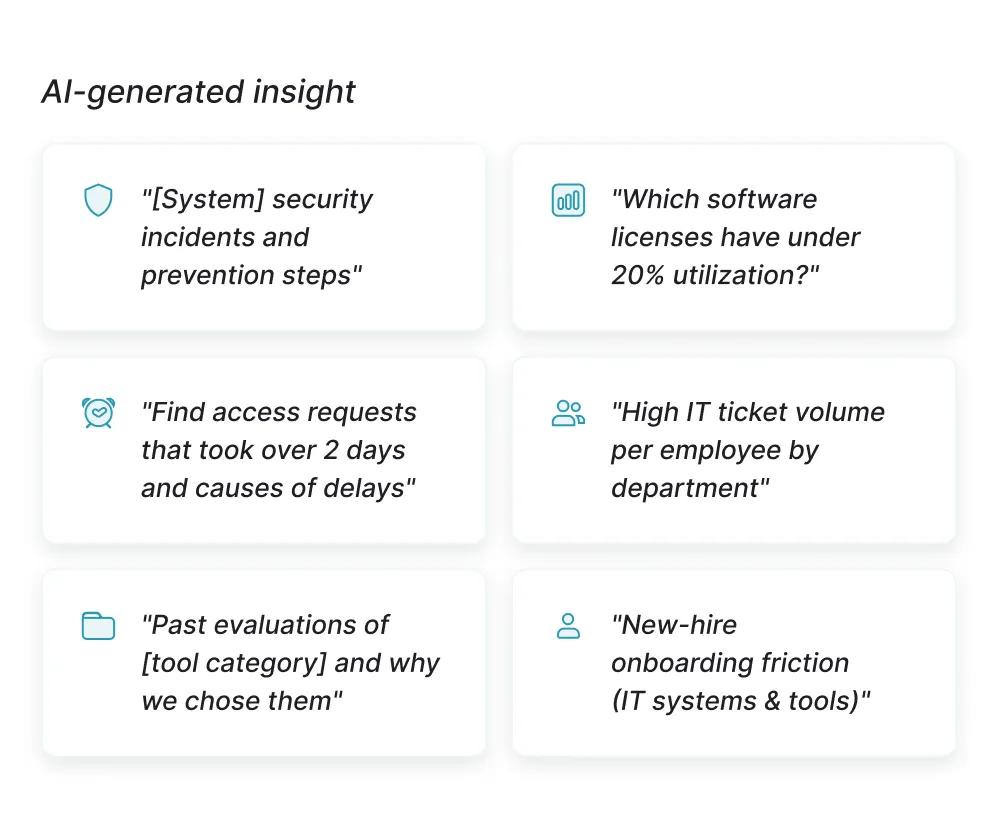
Max end-user productivity & minimize disruptions
Deflect repetitive tickets with self-service answers
Surface trusted answers to common IT questions so employees resolve issues without tickets.
Accelerate resolution with complete asset context
Give agents instant visibility into devices, software, access, and history.
Reduce agent workload on basic requests
Automate routine access and setup so agents focus on higher-impact work.
How Atolio supports IT workflows
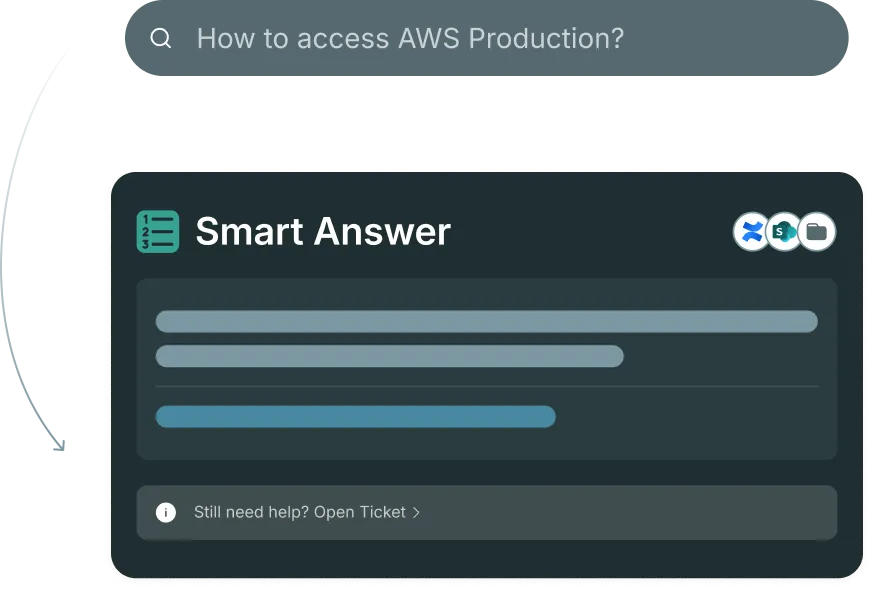
Surface policies, guides, and FAQs from fragmented sources
Employees get accurate answers to IT questions without filing a ticket or waiting for a response.
Policies scattered across SharePoint, Confluence, and internal drives return together in a single search.
The right documentation reaches the right person – without having to know exactly where to look.
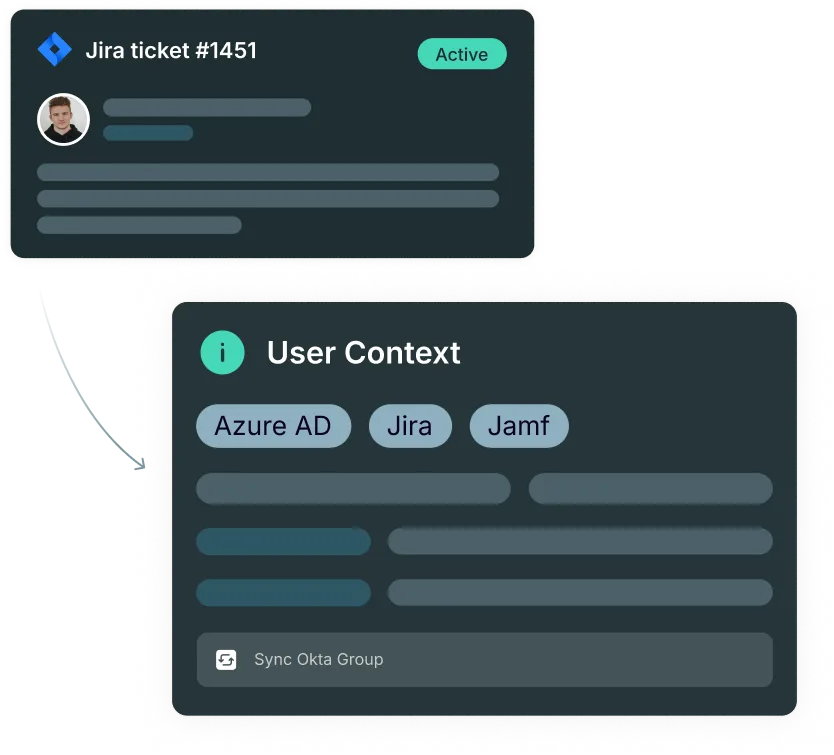
Connect ticket history to user assets and permissions
Every open ticket arrives with the full context of what that user owns, has access to, and has experienced before.
Agents stop piecing together user history across separate systems before they can start resolving.
Asset data, access history, and past tickets cohere around the user, not the tool they were logged in.
Link recurring issues to knowledge base articles and solutions
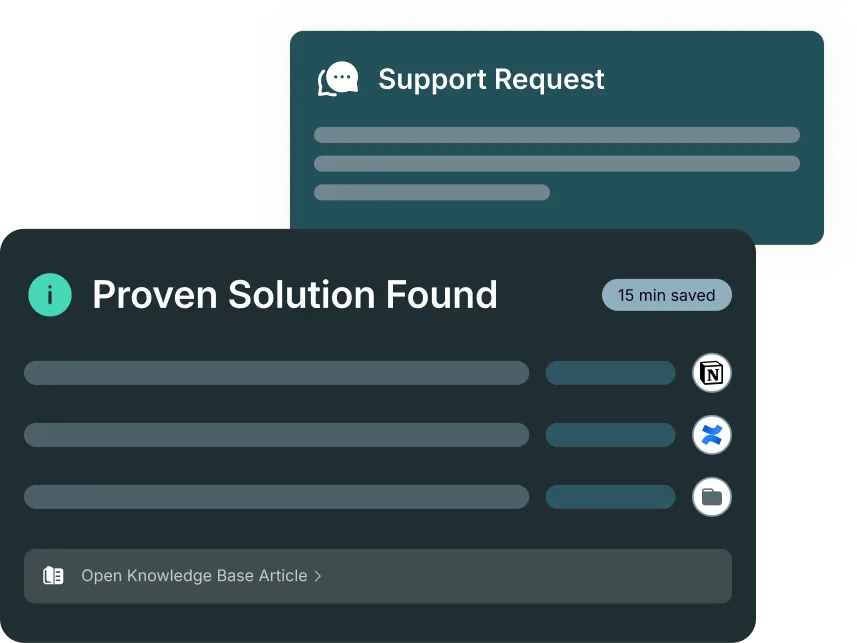
A ticket that matches a known pattern surfaces the article and resolution that already solved it.
Issues that have been resolved before stop consuming fresh investigation time every time they reappear.
The path from a new ticket to a proven fix gets considerably shorter when prior solutions are findable.
See how Atolio can unblock your entire team’s workflow
Different roles rely on Atolio in different ways.
See how different members of your team can leverage AI-powered enterprise search to get their work done – quickly, accurately, and securely.

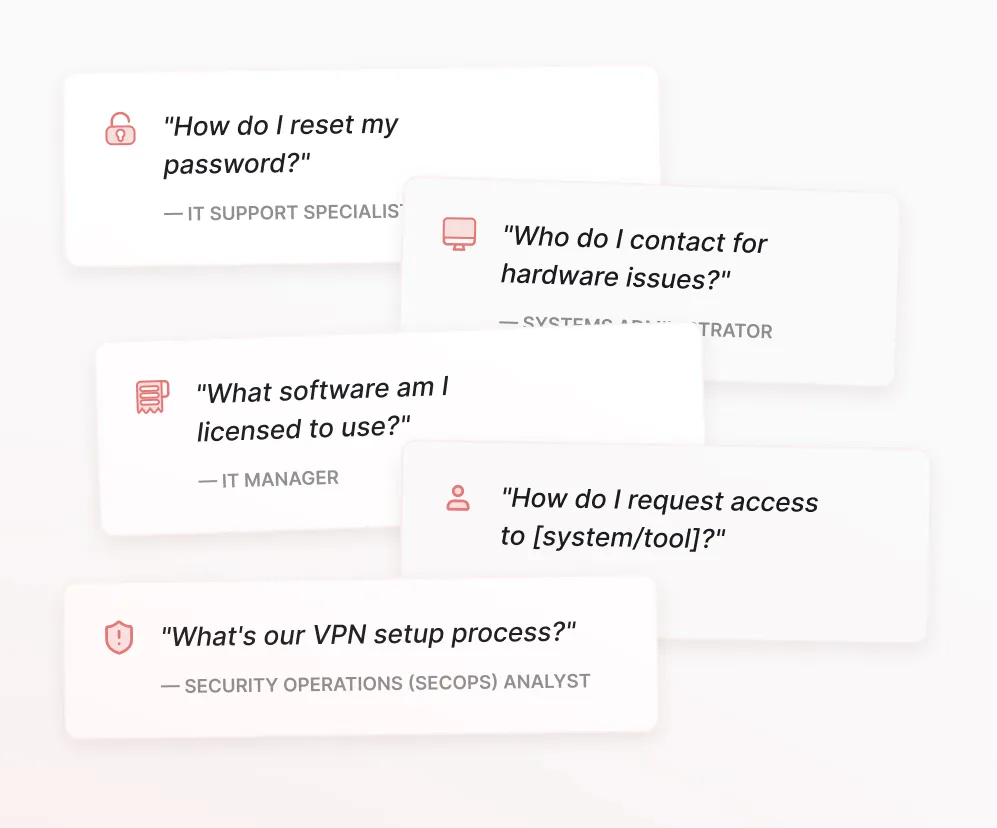
IT Support Specialist
Find troubleshooting guides and IT policies instantly to resolve employee requests faster without escalating to senior team members.
- "How do I reset [application] access for an employee?"
- "Show me the setup guide for new hire laptop provisioning"
- "What's the process for granting [system/tool] permissions?"
- "Find troubleshooting steps for [common error/connectivity issue]"
- "Pull password reset procedures and security protocols"

Systems Administrator
Access system documentation, configuration guides, and past incident resolutions to maintain infrastructure and minimize downtime.
- "Show me configuration standards and best practices for [system/application]"
- "Find all documentation on [server/network] architecture and dependencies"
- "What were the root causes and fixes for similar outages in the past?"
- "Pull access control policies and provisioning workflows for [tool/system]"
- "Show me backup and disaster recovery procedures for [critical system]"

IT Manager
Surface vendor contracts, IT policies, and team processes to manage operations efficiently and make informed technology decisions.
- "Show me all active vendor contracts, renewal dates, and license counts"
- "Find IT security policies and compliance requirements we need to maintain"
- "What onboarding documentation exists for new IT team members?"
- "Pull service level agreements (SLAs) and uptime metrics for [critical systems]"
- "Show me budget allocation and cost optimization opportunities across tools"

Security Operations (SecOps) Analyst
Retrieve security playbooks, threat intelligence, and compliance documentation instantly to respond to incidents and maintain security posture.
- "Show me incident response playbooks for [threat type/security event]"
- "Find all security policies and compliance frameworks we're certified against"
- "What similar security incidents occurred and how were they remediated?"
- "Pull access logs and audit trails for [user/system] during [timeframe]"
- "Show me vulnerability assessments and remediation status for [application/system]"
Trusted by large and midsize enterprises




Get the answers you need from your enterprise. Safely.